

Stache

Save Now, Read Later
Save and read pages without clutter or ads. Use notes and highlights to remember what you read, organize your collection with tags and favorites, and read anywhere with seamless sync between your devices.


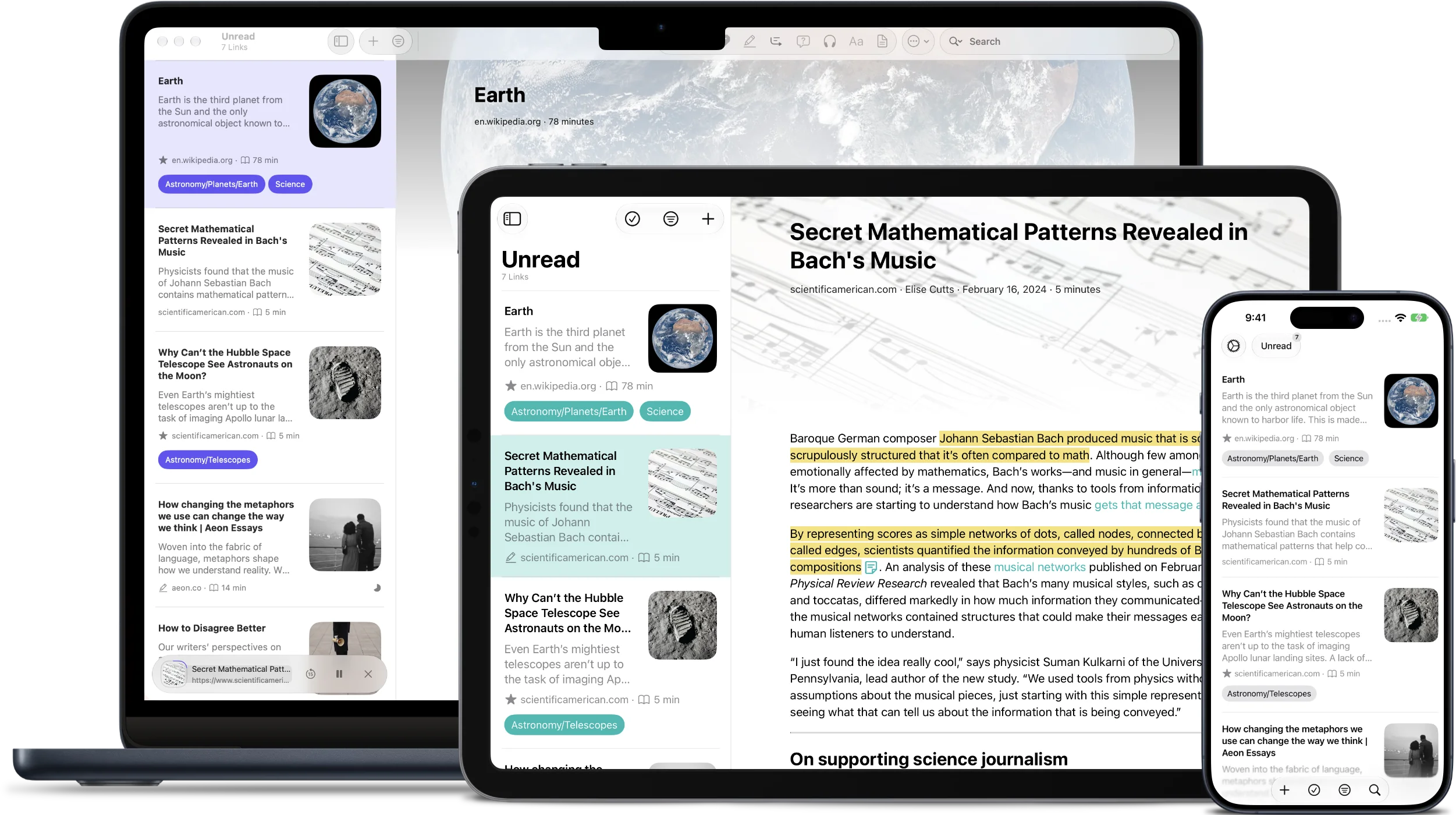
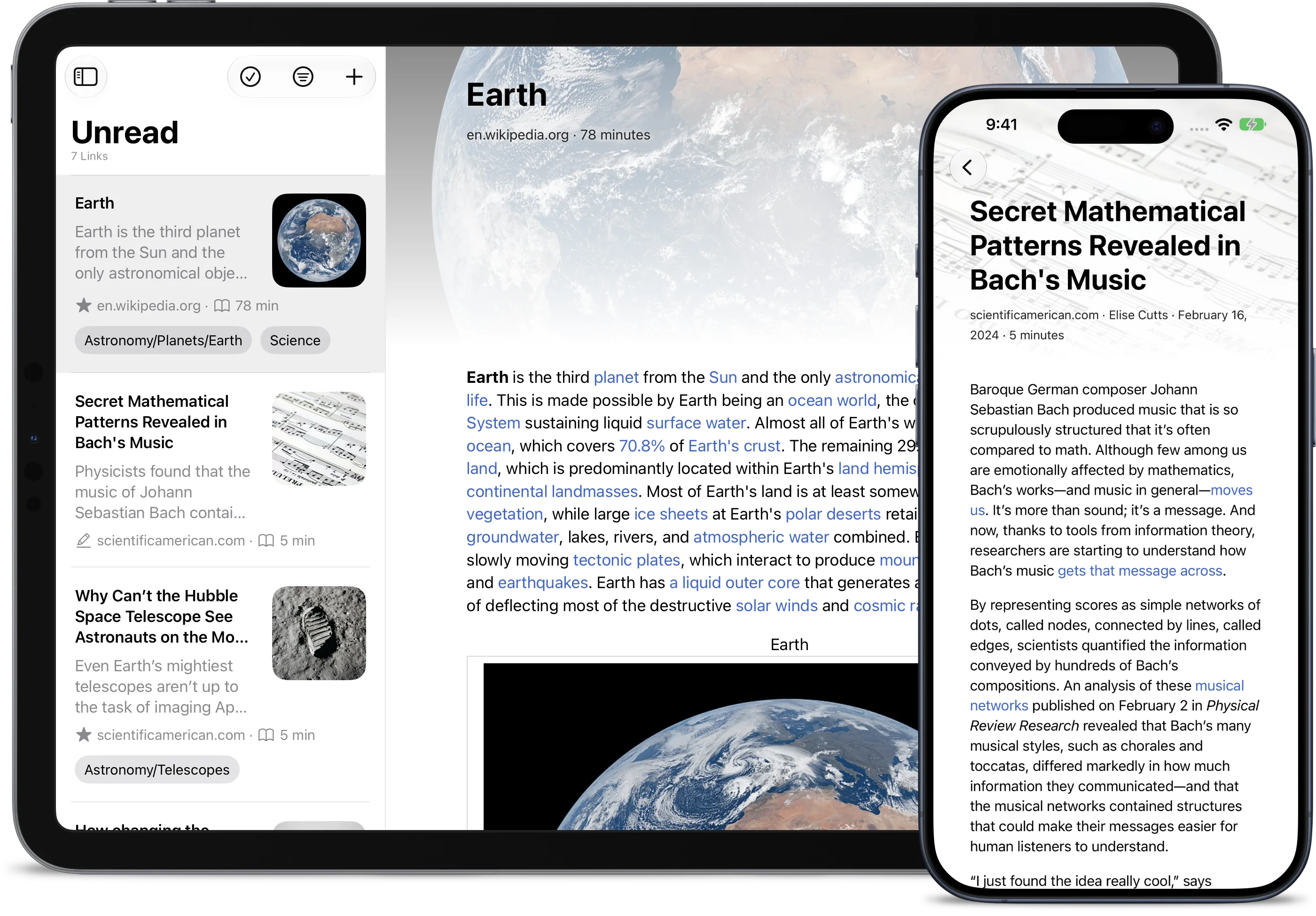
Transform How You Read
Stache transforms your collection of articles, blogs, and web pages into an organized library with notes, highlights, favorites, and tags.
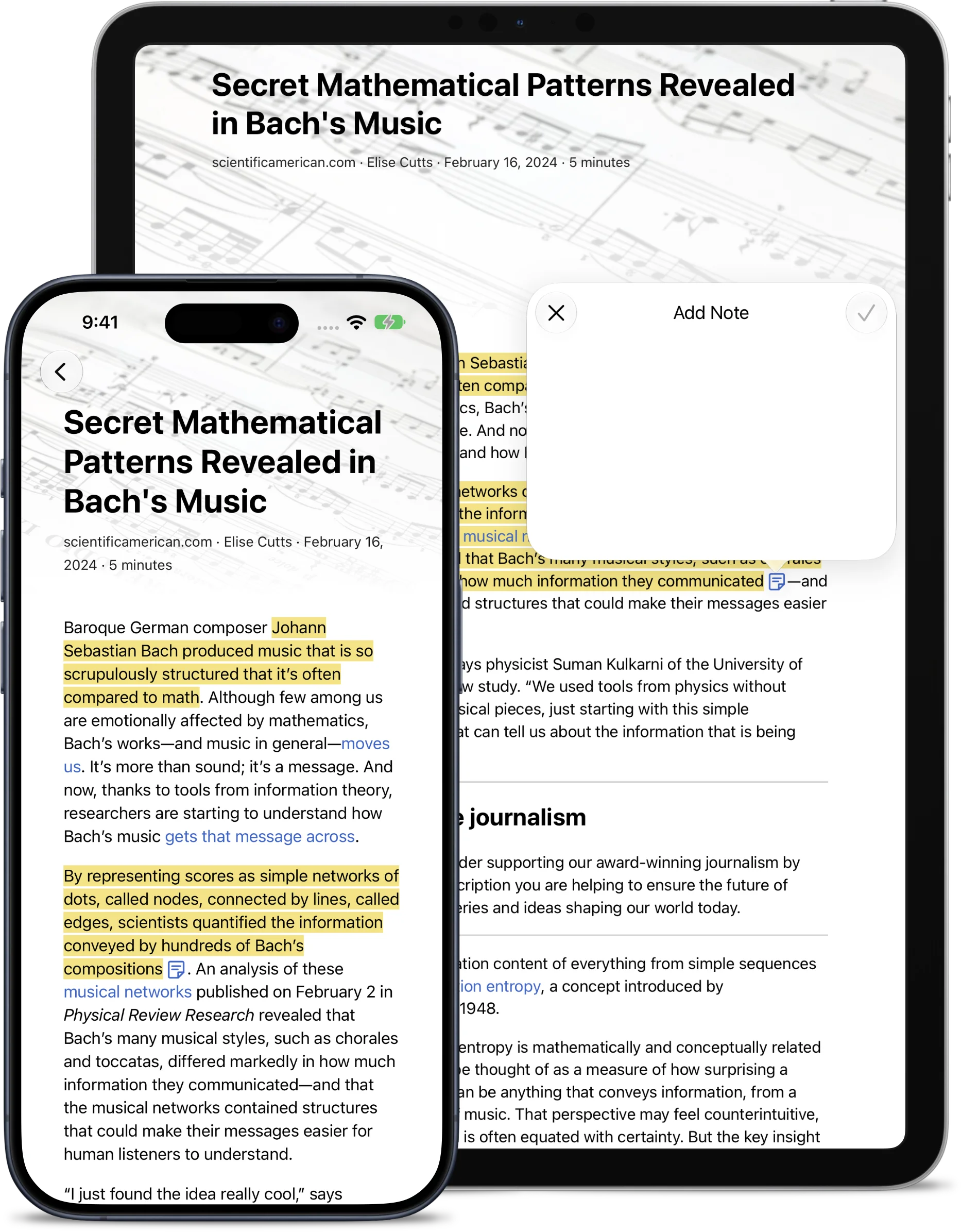
Add Highlights & Notes
Remember everything you read. Highlight key passages and jot down thoughts directly within articles. Perfect for research, study, or when you simply want to remember something important.
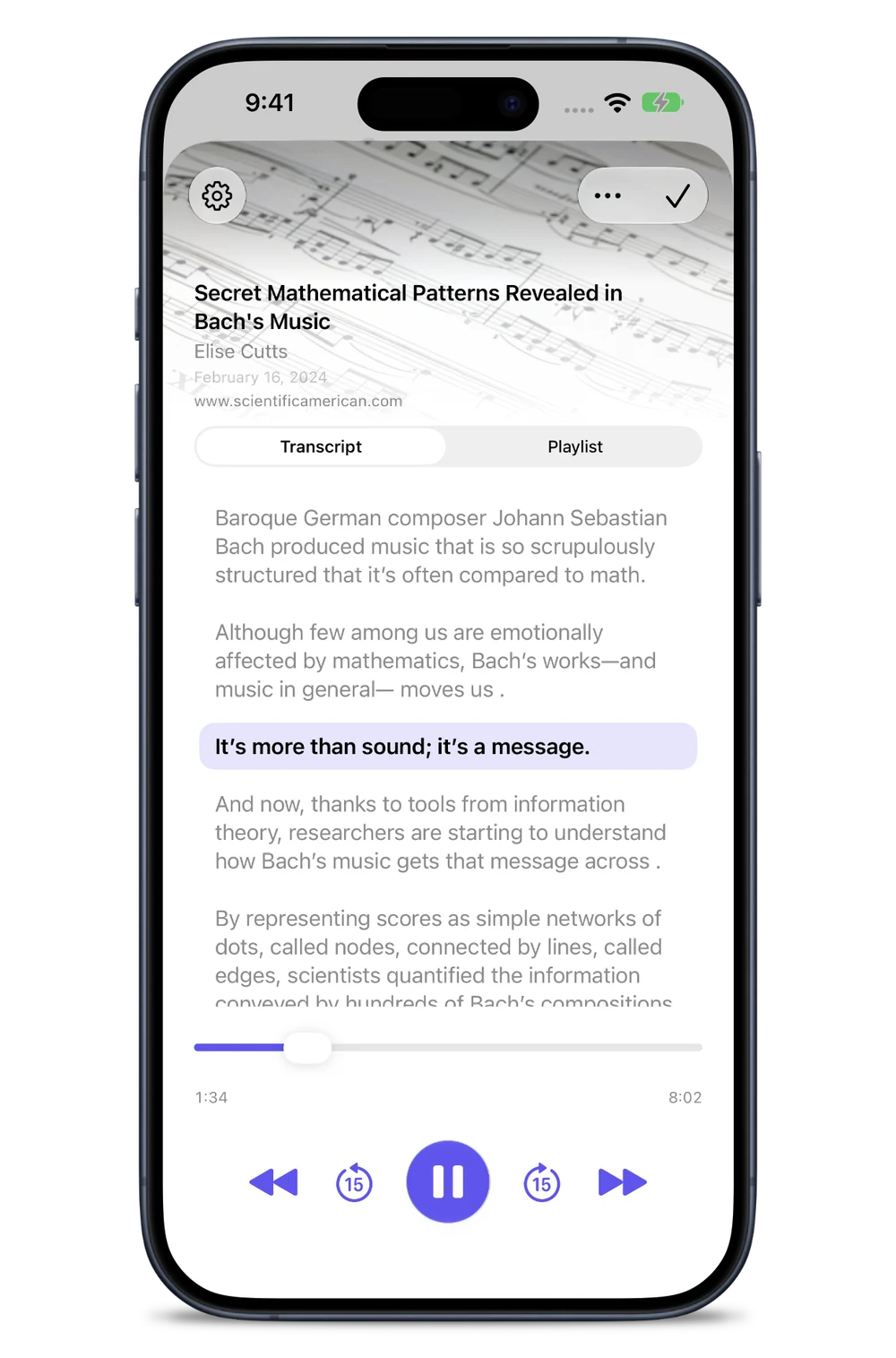
Listen to Your Articles
Listen to saved articles like audiobooks while you walk, cook, or get on with your day. Keep listening in the car with CarPlay. Available on supported devices.
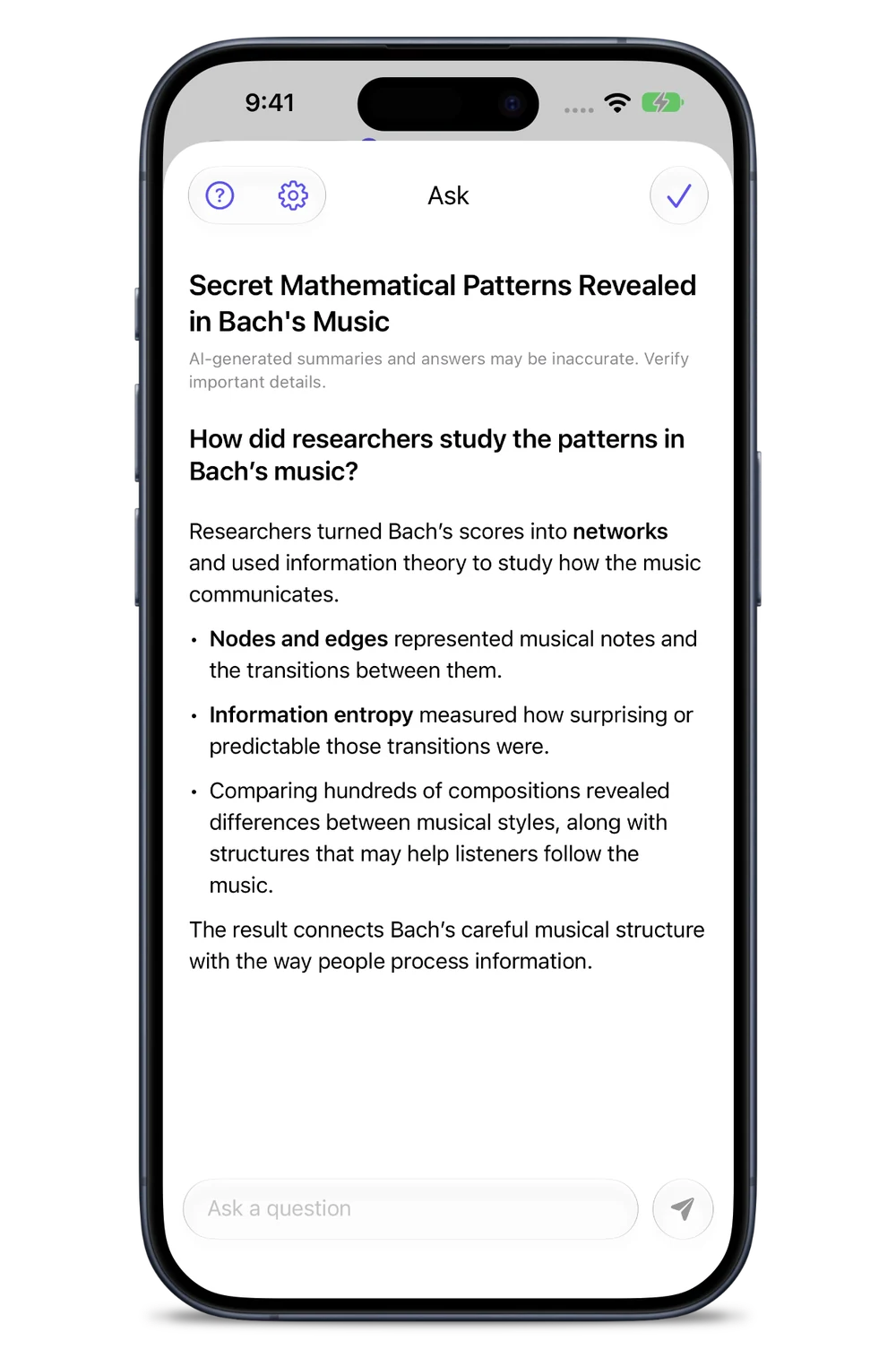
Ask About an Article
Get a summary, unpack an idea, or find a detail you want to revisit. Ask in your own words and get an answer grounded in the article, powered by Apple Intelligence on supported devices.
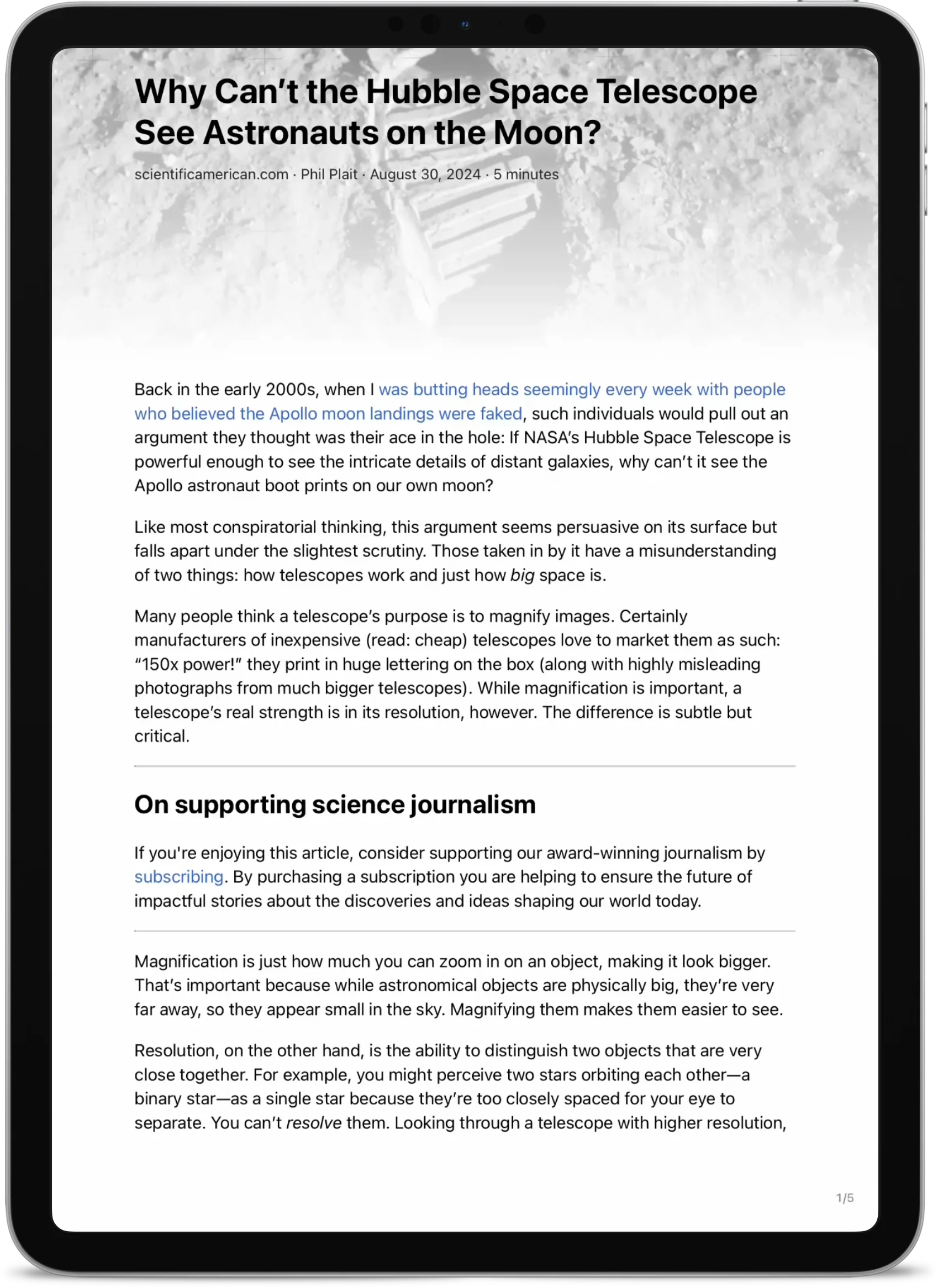
Turn the Page
Prefer turning the page instead of scrolling? Stache’s paginated reading mode makes articles feel like ebooks.
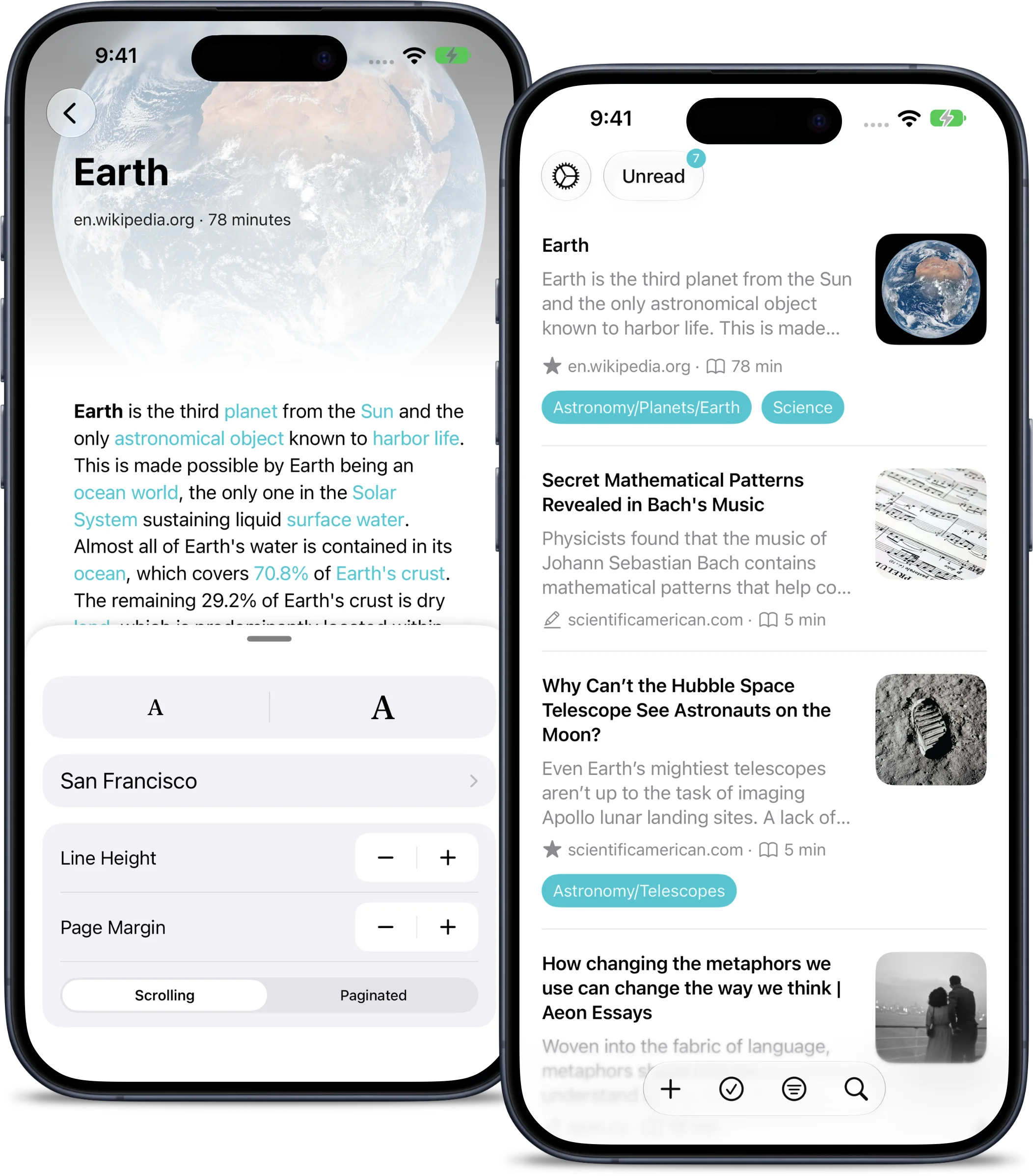
Tailored for You
Make Stache your own. Adjust fonts, sizes, line heights, and margins to suit your reading preference. Organize your articles with tags, favorites, and an archive. Choose from different themes to match your style. Customize your swipe actions.
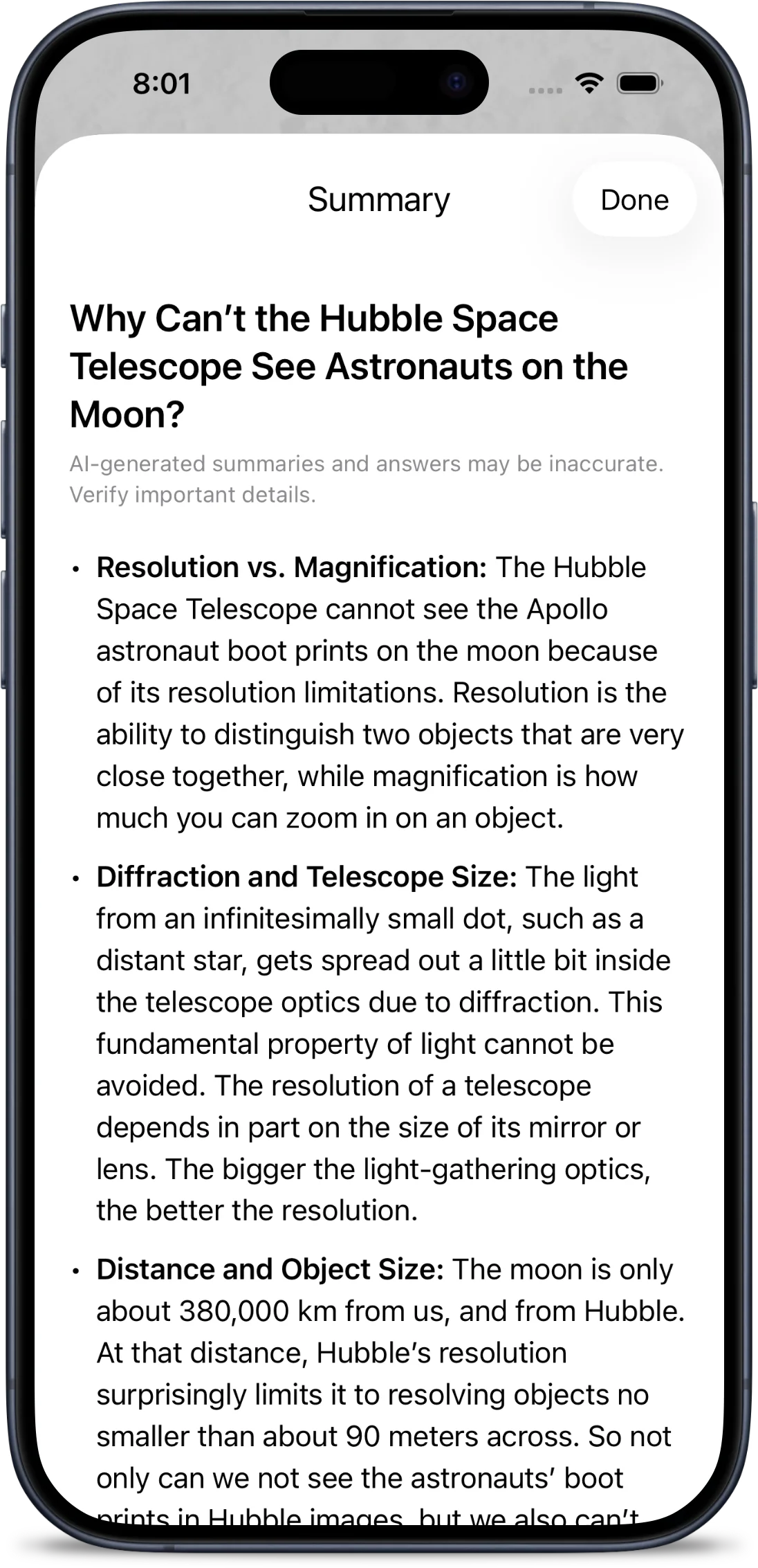
Get the Gist
Short on time? Stache can summarize any article for you, with summaries that stream in as they’re generated. Skim the key points first, then dive into the full read whenever you’re ready.
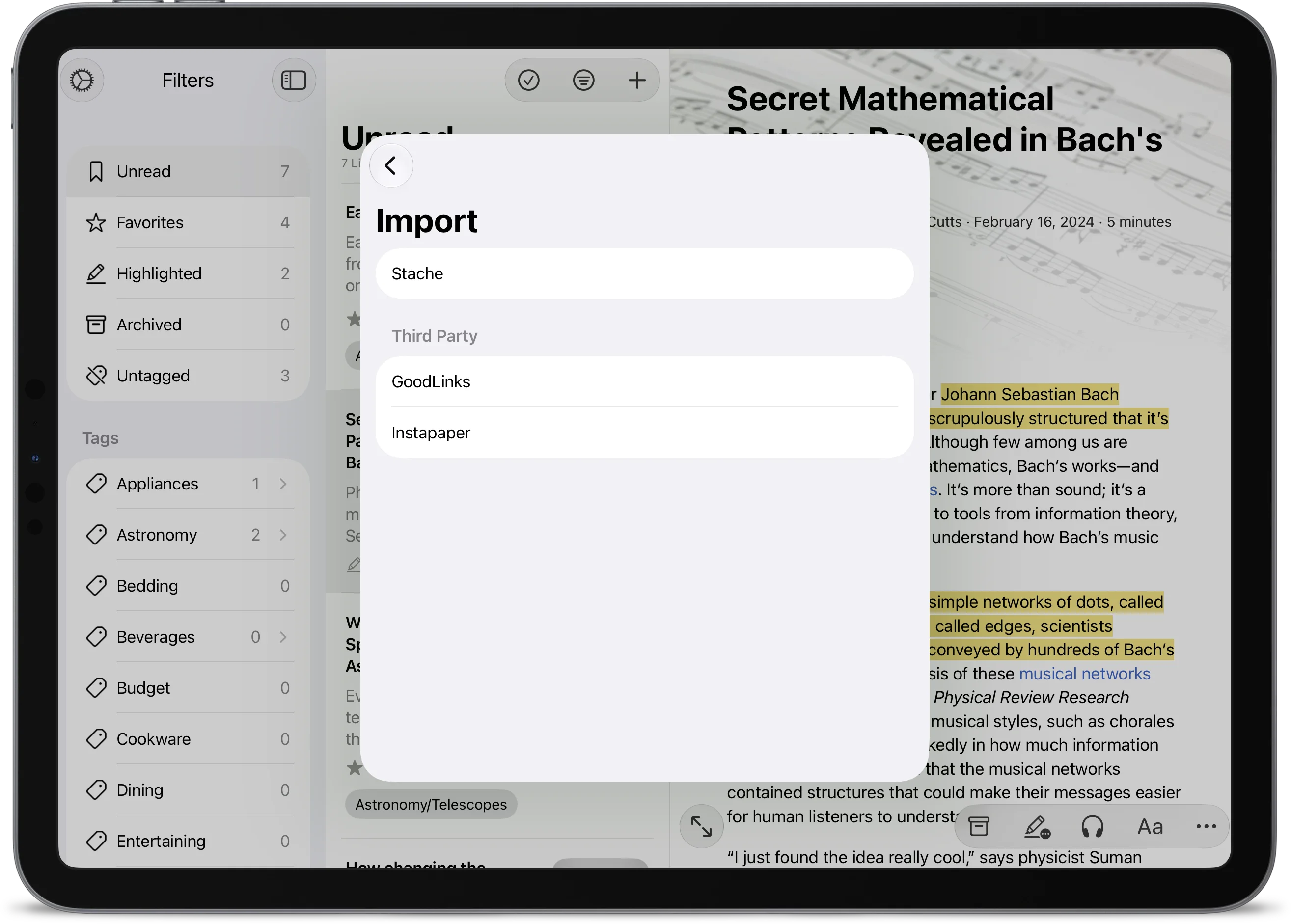
Easy Import
Give Stache a try with easy imports from Instapaper and Goodlinks. Don’t see your service here? Reach out and we’ll add it.
Built for Power Users
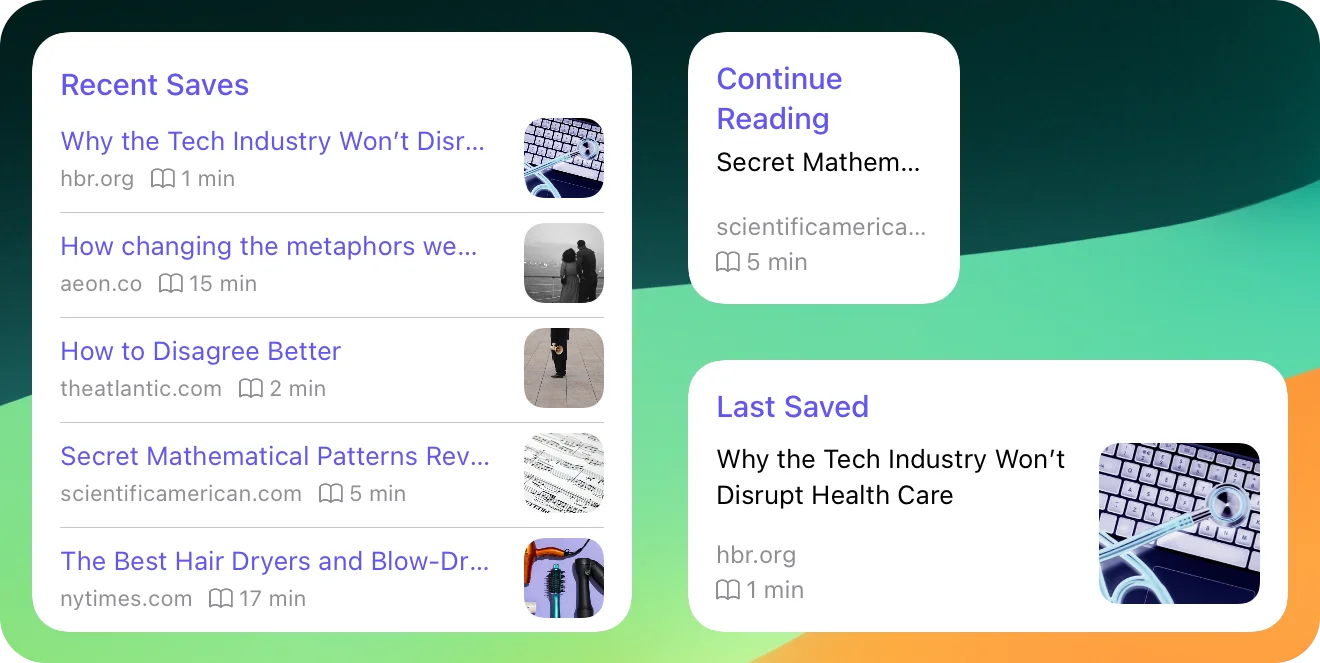
Stache includes advanced features like full-page offline copies, a system shortcut to save links, and widgets. Oh, and almost everything can be done with a keyboard shrotcut.
Magic Translation
Read anything, in any language. Stache translates the full article — title, preview, and body — right on your device, so your reading stays private and works even offline.
Read Offline, Anytime
Your reading doesn't have to stop when you go offline. With Stache, full offline reading is a given - images included. Whether you're commuting, traveling, or off the grid, your saved content is always accessible. And not just the reader view - Stache saves an offline copy of the full page, too.
iCloud-Powered Sync
With fast, reliable sync powered by iCloud your data remains secure and private - we can’t even see it. Your links, notes, highlights, and tags sync seamlessly between your Mac, iPhone, and iPad.